Oil & Gas Inspection Forms: What Crews Need to Document
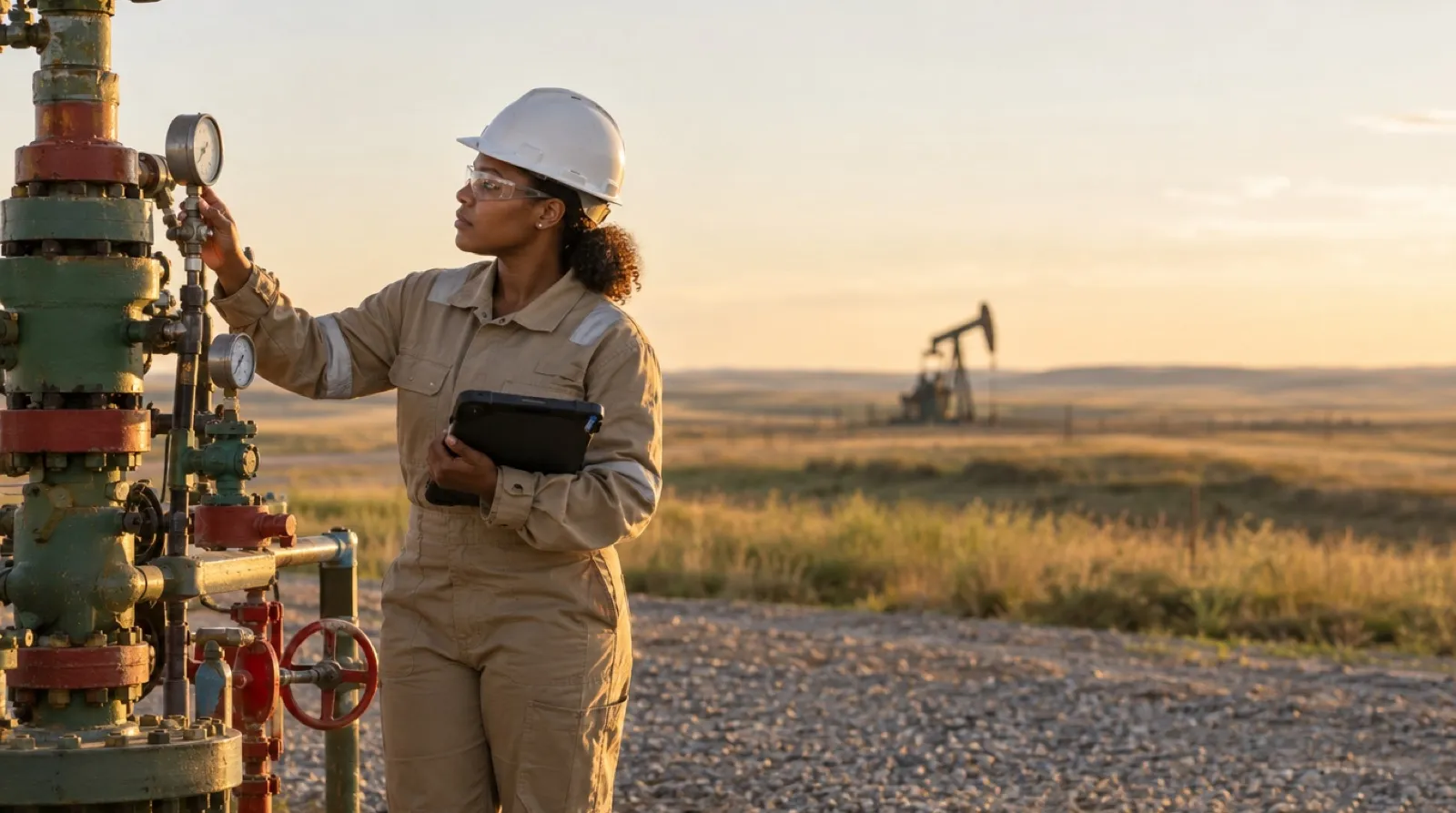
A pad site forty minutes from the nearest paved road doesn’t care that your inspection app needs a connection to save. Neither does a compressor station tucked behind a ridge, or a gathering line crossing a section with exactly one bar of signal, and that’s if you’re standing on the right side of the truck. Inspectors in oil and gas learned this years before “offline mode” was a marketing phrase: you document what you see, when you see it, with whatever’s in your hand. The form has to keep up with the site, not the other way around.
That’s the gap a lot of inspection software quietly ignores. It’s built for a world with bars on the phone. Oil and gas isn’t that world, and pretending otherwise just means inspectors fall back on paper, photos in a camera roll, or a notes app, and someone in the office spends Thursday afternoon turning all of it into a document that actually means something.
Why the Paperwork Matters More Out Here
Inspection documentation in this industry isn’t a checkbox exercise. It exists because a missed valve, an undocumented leak check, or a corrosion reading that never made it off someone’s clipboard has real consequences: safety, environmental, and the audit trail that regulators and asset owners both expect to see. None of that changes because the crew is remote. If anything, remote sites raise the stakes: fewer eyes, more distance to a supervisor, and less margin for “I’ll fill it in later.” That’s the whole point of safety and compliance documentation: a record you can stand behind when someone asks for it.
The inspection doesn't count until it's documented. Out here, 'later' usually means 'never.'
What the Inspection Record Needs to Capture
Every operator’s form is different, and the form your operator or regulator requires is always the final word. But most field inspection forms ask for some version of the same things, and each one is a place where paper tends to fail:
- Where and what. The site, well, or asset ID, plus its location. On paper that’s a handwritten line that’s easy to get wrong. On a digital form, photos are tagged with GPS and a timestamp automatically.
- When and who. The date, time, and inspector, captured at the moment of the inspection instead of written in afterward.
- The readings. Pressures, gauge readings, levels, or whatever the form calls for, entered in the fields the form already has.
- Condition checks. Pass/fail items for leaks, corrosion, and damage. Required fields and validation flag a blank or an impossible entry before the form can be submitted.
- Photos of what you found. A picture of the corroded flange next to the line item that describes it, marked up to show exactly where, instead of a camera-roll photo nobody can match to a form later.
- What happens next. Any corrective action, who owns it, and how urgent it is, so a finding becomes a follow-up instead of a note.
- Sign-off. The inspector’s signature, plus a supervisor’s or client’s where the form requires it, each captured with a timestamp and audit trail.
None of that is new. What’s new is getting all of it into one finished document, on site, without a signal.
Offline-First Isn’t a Nice-to-Have Out Here
naturalForms is built offline-first: the form opens, fills, and saves on the device with zero connection. Completed forms wait safely on the device, and once the crew is back in range, a quick sync sends the whole day’s work to the office. That’s the starting point of the design, not a bolt-on feature. For a crew doing a morning round on a lease with no coverage, it’s the difference between finishing the inspection on site and driving back to re-document it from memory.
Here’s what that looks like on a pressure-vessel round with no signal anywhere on the lease:
Open the form before leaving the truck
The day’s inspection form opens on a phone or tablet. No signal is needed to open it or fill it in.
Capture everything at the equipment
Readings, checkboxes, notes, and photos go in on site, along with the inspector’s signature at the point of inspection.
Save it on the device
The completed form saves locally the moment it’s finished. Nothing waits on a connection.
Sync when you're back in range
Back in coverage, a quick sync sends every completed form to the office as a finished record, not a pile of notes someone has to re-type.
That sync is where inspections connect to field service operations more broadly. Inspection paperwork isn’t a side process. It’s part of the same document flow as work orders, safety checklists, and job documentation across a crew’s day.
When the Form Isn’t Yours to Change
Every operator and asset owner has its own inspection form: its own fields, its own sign-off sequence, its own layout that compliance or the client expects to see. Some of those forms aren’t yours to redesign at all, because a regulator, an operator, or a client requires the official version. A generic inspection checklist that doesn’t match creates more work, not less, because someone still has to reconcile it against the real form afterward.
naturalForms works from the PDF you already use. Smart PDF AI-digitizes that exact layout into a fillable, signable form: same fields, same signature blocks, same language. Nobody rebuilds it from scratch. If a crew doesn’t have a form yet, a template from the Templates Library is a fine starting point too. Either way, what comes out the other end is a completed document that matches the paperwork, not a format someone had to reinterpret.
What an Inspection Lead Is Actually Trying to Solve
For most inspection leads, the question isn’t whether a crew can fill out a form on a phone. They’ve figured that part out already, usually with something duct-taped together. The real problems are:
- Inspections done at sites with no connectivity, and no good way to confirm they happened until someone gets back to the office
- Forms that don’t match what the regulator, operator, or client wants to see on the finished document
- Getting a signed, completed document out the door, to a supervisor, a client, or a file, without a manual re-typing step
That last one matters more than it sounds. A field inspection that lives as a photo of a clipboard, or a PDF someone built from memory three days later, isn’t really documentation. It’s a reconstruction. The goal is a signed document that comes out of the actual inspection, not out of someone’s recollection of it.
Start Where the Site Actually Is
If your crews already work remote pads, pipeline corridors, or industrial sites where “just use the app” assumes a signal that isn’t there, the fix isn’t asking them to work differently. It’s giving them a form that works the way the site does: fully offline when it has to be, sent the moment it’s marked complete when there’s signal, and shaped like the paperwork your compliance team already trusts.
Frequently Asked Questions
-
Does naturalForms work at oil and gas sites with no cell signal?
- Yes. naturalForms is built offline-first: forms open, fill in, and save on the device with no connection required. With signal, completed inspections send right away; without it, they wait safely on the device until a quick sync once the crew is back in range. Either way, coverage gaps on remote pads, pipelines, or compressor stations don't stop the work.
-
What should an oil and gas inspection form capture?
- It depends on the operator's form and the regulations that apply to the asset, and those always come first. Most field inspection forms ask for the site or asset ID and location, the date, time, and inspector, the required readings, pass/fail condition checks, photos of any findings, corrective actions with an owner, and the required signatures.
-
Can we use our existing inspection form instead of a generic template?
- Yes. naturalForms turns your existing PDF inspection form into a fillable, signable digital form with the same fields, layout, and signature blocks, so the finished document matches what your operator, regulator, or client already expects. If you don't have a form yet, you can start from the Templates Library.
-
Do we have to rebuild our forms in a form designer?
- No. naturalForms AI-digitizes the PDF you already use, so your form doesn't need to be rebuilt from scratch. A no-code designer is there if you want to adjust a form or build a new one, but bringing over your existing paperwork doesn't require it.
-
How do inspection forms get signed in the field?
- Signatures are captured on the device at the point of inspection, offline if needed, and become part of the completed document the moment the form is finished. Each signature is recorded with a timestamp and an audit trail, and naturalForms eSignatures meet US ESIGN Act and UETA requirements.
-
Can completed inspections go to the systems we already use?
- Yes. Completed form data can be sent to the tools you already use, including through Zapier, which connects naturalForms to more than 8,000 apps, as well as webhooks and a REST API for custom systems.
-
What happens to an inspection if the crew never gets signal that day?
- The completed form stays saved on the device exactly as it was filled in. When the crew is back in coverage, a quick sync sends it to the office along with everything else they completed. Nothing has to be re-entered from memory later.
-
Does naturalForms replace our compliance requirements?
- No. naturalForms is a tool for completing the forms your compliance process already requires. It doesn't set or change those requirements, which always come from your regulatory and operational guidance.
-
Is naturalForms built specifically for oil and gas?
- No. naturalForms is a field service forms tool used across many trades. It fits oil and gas and industrial inspection work because it's built offline-first and works from your existing paperwork, but it isn't a single-industry product.