naturalForms vs. Buildertrend for Roofing Paperwork
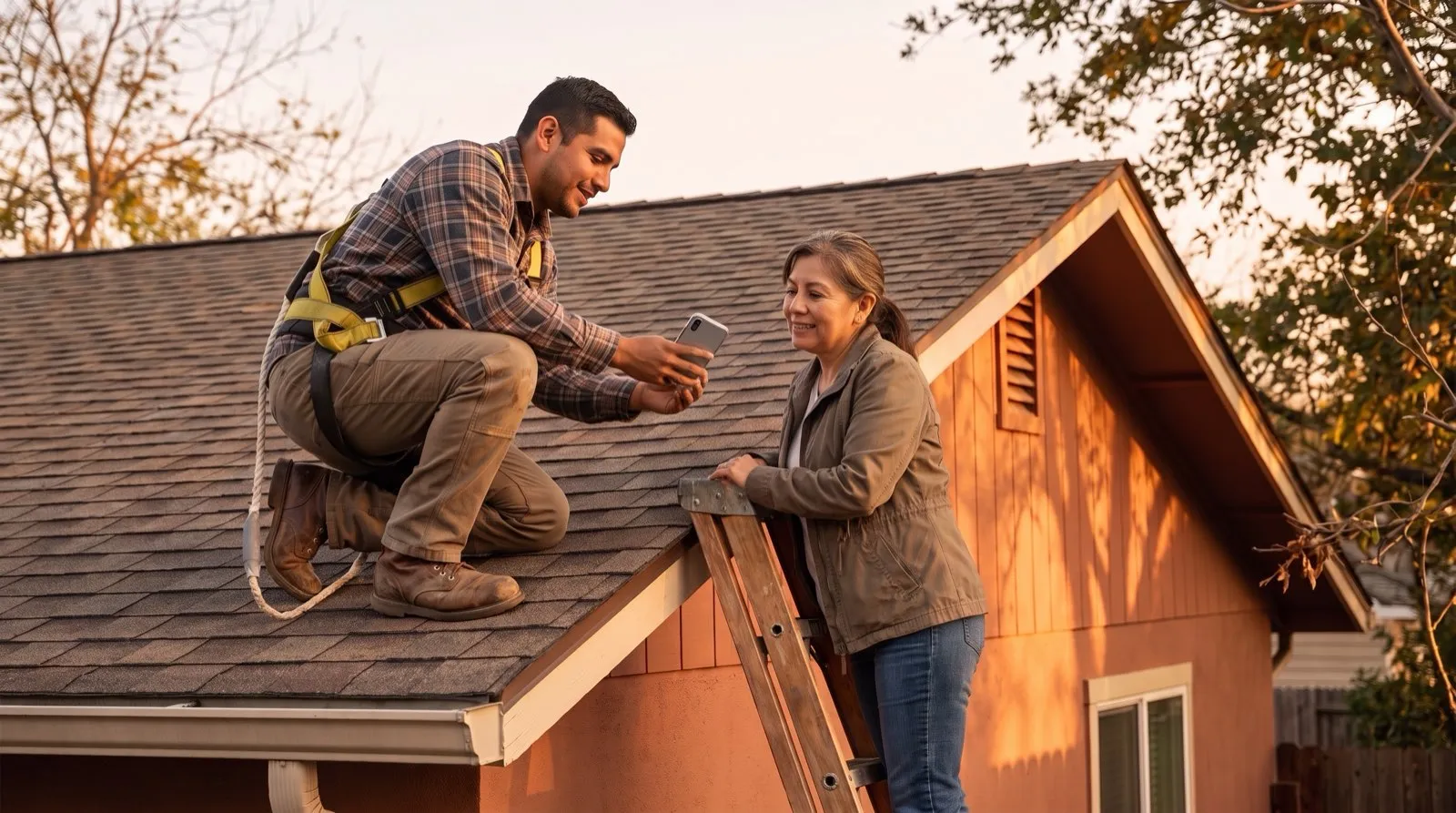
A roofing crew lead opens Buildertrend on his phone to pull up the day’s schedule. Good signal, full bars, works great. Later that day the crew is finishing a tear-off at a rural property where coverage drops to nothing, and he needs a completion form signed before the truck leaves. An online form can’t load, let alone save. He ends up texting himself a photo as a reminder to “do the paperwork later,” which is the roofing industry’s version of a time capsule: you dig it up in three weeks during a dispute and hope you remember what happened.
This isn’t a knock on Buildertrend. It’s a genuinely strong tool for running the business side of a roofing company: scheduling, budgets, client communication, job costing. Ops managers choose it for good reasons. The problem shows up in one specific place: the moment a crew needs to capture a signature or fill out a form at a remote job site, in a basement, or in a dead zone between two cell towers. The tool at hand was built for the connected office, not for that moment.
That’s the gap naturalForms is built to close. Not by replacing Buildertrend, but by being the piece that handles field paperwork the way field paperwork actually happens: offline, on a phone, in bad weather, with a homeowner standing there wanting their copy.
What Buildertrend Does Well, and the Job It Wasn’t Built For
Buildertrend’s forms live inside a much bigger project management system. That’s the point of the product: budgets, selections, scheduling, and client communication all in one place, with forms included as one piece of a much larger toolkit. For office work like change orders typed up at a desk or daily logs reviewed at the end of the week, that’s plenty.
The trouble starts in the field, where a lot of roofing work actually gets documented. A general PM tool’s form feature is built assuming you’re connected. When a crew is mid-job without signal, that assumption breaks, and the workaround is always the same: skip the form now, remember it later, hope “later” happens before the paper trail matters.
Offline-First Isn’t a Nice-to-Have in the Field
naturalForms was built the other direction: assume no connection, sync when one shows up. A crew member fills out a completion form, inspection checklist, or change order wherever the work is: a rural job site, an attic, a basement where signal never reaches. It saves locally. When the phone finds signal again, walking back to the truck or driving to the next job, it syncs automatically. Nobody has to remember to “finish it later,” because there’s no later. It’s done when the work is done.
And every form that waits for “later” is a form that can get lost, along with the billable work it documents. If you want to know what that’s actually costing your operation, here’s a measurement plan for putting a real number on it.
Your Forms, Not a System You Have to Adapt To
The other place roofing crews hit friction with a general PM tool is the form itself. Buildertrend gives you its forms, built for a broad construction audience. If your inspection checklist, warranty document, or completion form has a specific layout (logo placement, insurance language, your company’s exact sign-off sequence), you end up adapting your paperwork to the tool instead of the other way around.
naturalForms works the opposite way. You can start from a template in the Templates Library or bring your own PDF: the form you already use, already have printed, already trained your crew on. naturalForms AI-digitizes that exact layout into a fillable, signable document. Nobody’s rebuilding anything in a drag-and-drop designer. The form your company already uses is the form that shows up on the crew’s phone.
That matters even more when the form isn’t yours to redesign. Plenty of roofing paperwork has a mandated layout: state and local permit forms, municipal inspection documents, insurance carrier paperwork, manufacturer warranty registrations. A form builder that outputs its own format can’t help there, because the county or the carrier expects the official document, not a reinterpretation of it. Since naturalForms works from the exact PDF, the required form stays the required form: same layout, same language, filled out and signed in the field.
Read more on how this plays out across the trade at naturalForms for construction.
Using Both: One Runs the Business, One Handles the Paperwork
Plenty of roofing companies use both: Buildertrend for scheduling, budgets, and client-facing project tracking, and naturalForms for the paper the crew touches on a job: completion certificates, safety checklists, change order sign-offs, warranty documents. To be clear, the two products aren’t integrated today (naturalForms doesn’t connect to Buildertrend), and for this division of labor they don’t need to be. Each stays in its own lane: one runs the business, the other gets signatures at the job site and hands the homeowner a finished document before the truck pulls away.
The job isn't done when the shingles are on. It's done when the paperwork is signed and the homeowner has their copy.
If your team is already happy with Buildertrend for project management and just needs field paperwork that works anywhere, adding the paperwork piece is a far smaller change than rethinking your PM system. Keep the tool that runs your business; add the piece built for the field.
The Honest Bottom Line
Buildertrend does what it was built to do, and does it well. Capturing signed paperwork in the field, offline and finished on the spot, just isn’t the job it was built for. If that’s the piece that’s been going sideways, with crews texting themselves reminders and office staff chasing signatures that should’ve happened on-site, that’s the gap worth closing first, with a tool built for exactly that.
Frequently Asked Questions
-
Can Buildertrend's forms work without internet on a roof?
- Buildertrend's form features are built assuming an active connection, so filling one out in a dead zone, which is common at remote job sites and in basements, typically doesn't save until signal returns. naturalForms is built offline-first: forms save locally on the device and sync automatically once a connection is found.
-
Do I need to stop using Buildertrend to use naturalForms?
- No. Most roofing companies that use naturalForms keep Buildertrend for scheduling, budgets, and client communication, and use naturalForms specifically for field forms, inspections, and signatures. The two aren't integrated. Each is used on its own, and they simply cover different parts of the job.
-
Can I use my company's existing roofing forms in naturalForms instead of a generic template?
- Yes. You can bring your own PDF, whether that's a completion certificate, warranty form, or inspection checklist, exactly as your company already uses it. naturalForms keeps that layout while making it fillable and signable. You're not rebuilding your forms in a new designer.
-
Can naturalForms handle state or municipality-required forms?
- Yes. Forms with a mandated layout, like state or local permit and inspection documents, insurance carrier paperwork, or manufacturer warranty registrations, can be brought in as the exact PDF. naturalForms keeps the official layout and language while making the form fillable and signable, so what you submit matches what the authority requires.
-
Does naturalForms replace Buildertrend's project management features?
- No, naturalForms isn't a project management tool. It focuses specifically on forms, signatures, and document workflows in the field, which makes it a companion to a PM tool like Buildertrend rather than a replacement for it.
-
What happens to a signed form after a roofer fills it out on-site?
- Once the form is filled out and signed, naturalForms generates the completed document and syncs it to the office as soon as the device reconnects. No manual re-entry, no driving back to a signal zone first.
-
Is naturalForms built for roofing specifically, or general construction?
- naturalForms serves field service and construction broadly, including roofing, and the forms themselves adapt to your trade because they're built from your own paperwork rather than a one-size-fits-all industry template.
-
How long does it take to get our roofing forms set up in naturalForms?
- Setup is largely automated: you upload the PDF you already use and naturalForms AI-digitizes the layout: fields, checkboxes, and signature spots, with nobody rebuilding the form by hand. Core forms like completion certificates, inspections, and change orders are typically ready quickly, whether you're bringing over three forms or thirty.